Plan the work. Train with focus. Understand what changed. Make the next call.
01 / Plan
A workout built around your training.
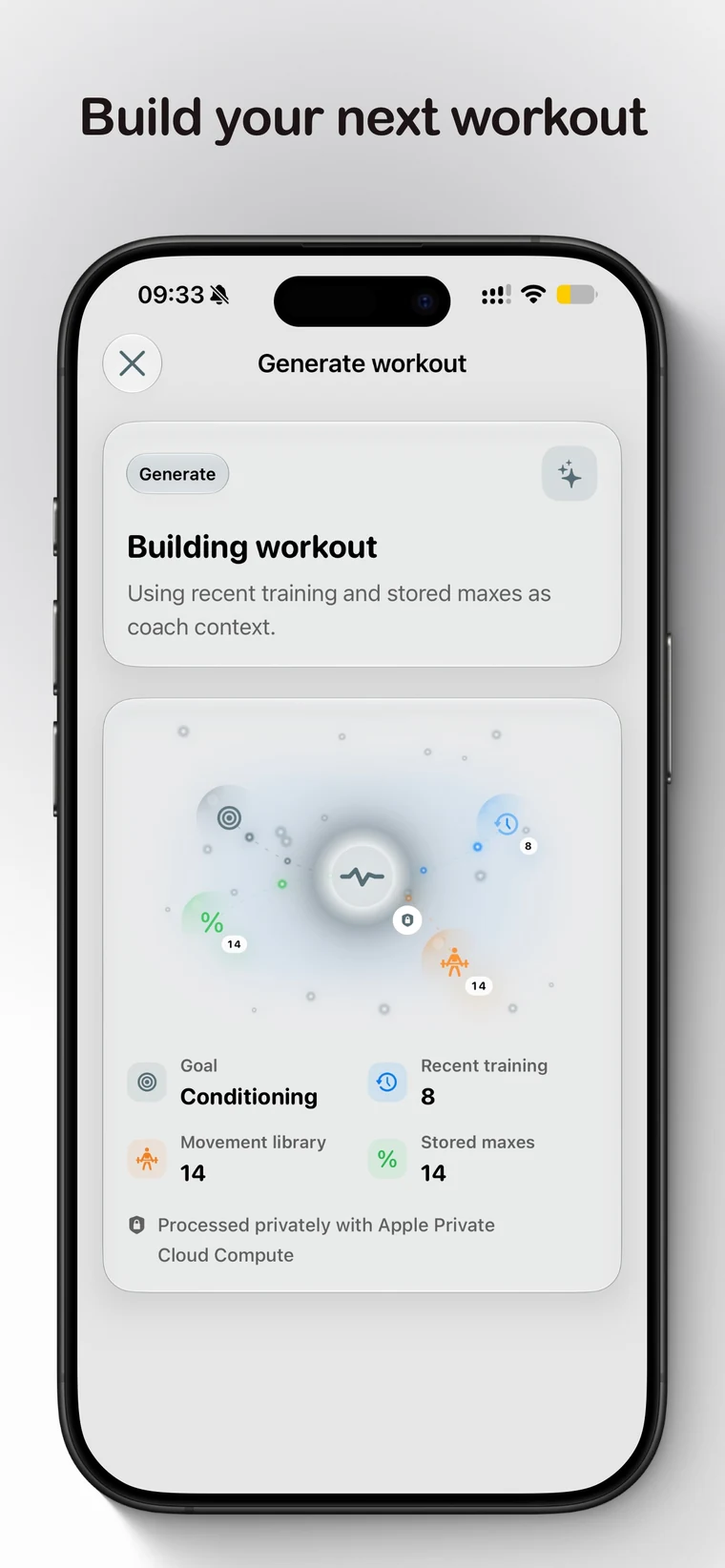
On iOS 27, Generate Workout uses your recent training and known maxes to build one focused strength, hypertrophy, or conditioning session.
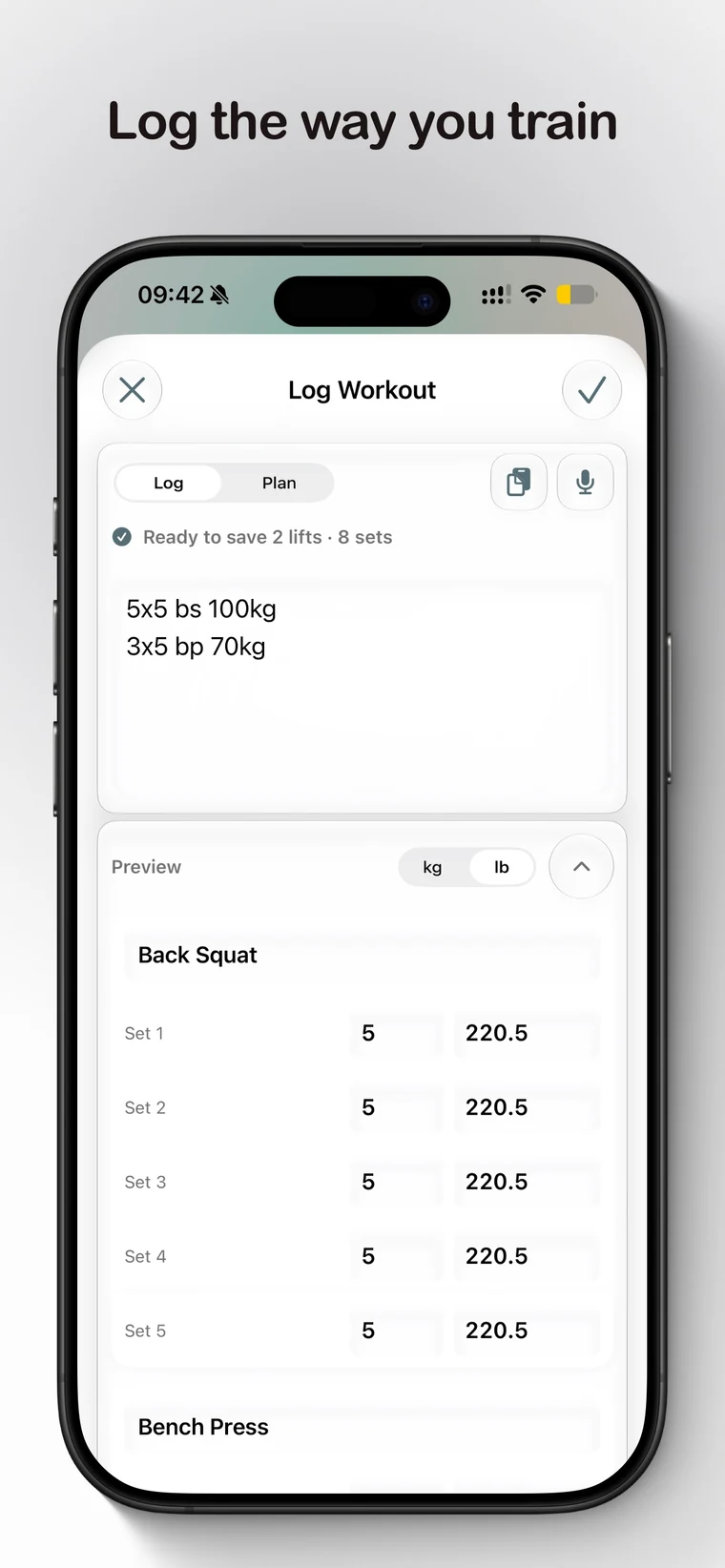
Use the draft now, save it, or schedule it. Prefer your coach’s plan? Type or paste workout text, or import photos, images, PDFs, or Open Workout Markdown and review every detail before it enters your history.
02 / Train
Train with focus.
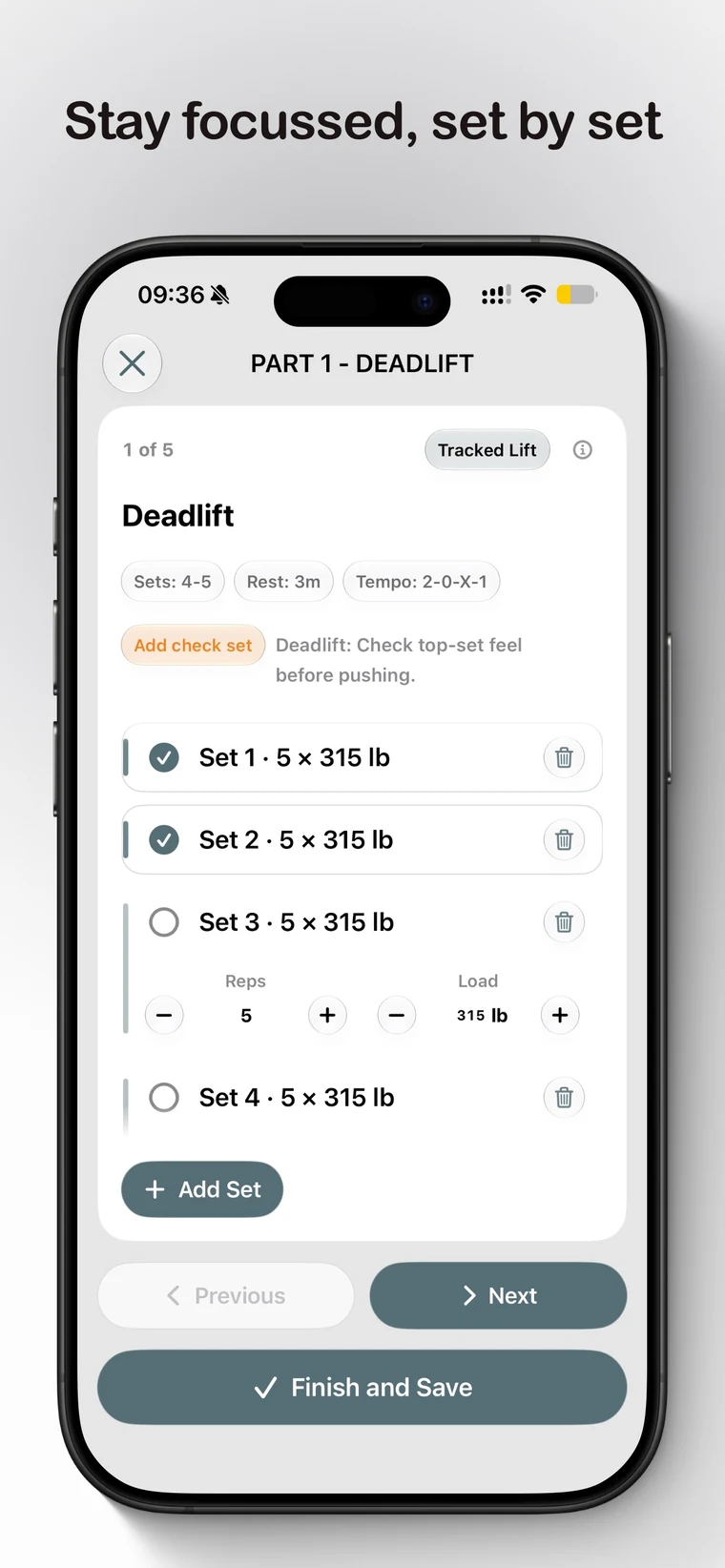
Run planned work set by set, keep the active target close, and adapt when the session changes. Or log naturally by typing, dictating, or scanning what you trained.
Private by architecture
Two kinds of intelligence. One clear boundary.
Generation
Apple Foundation Models. Private Cloud Compute.
Workout generation uses Apple’s Foundation Models framework with Private Cloud Compute when you explicitly start it. Set shows which training-data categories provide context, and generated output stays a draft until you choose what to do with it.
Bar-path inference
Set Core ML. Entirely on-device.
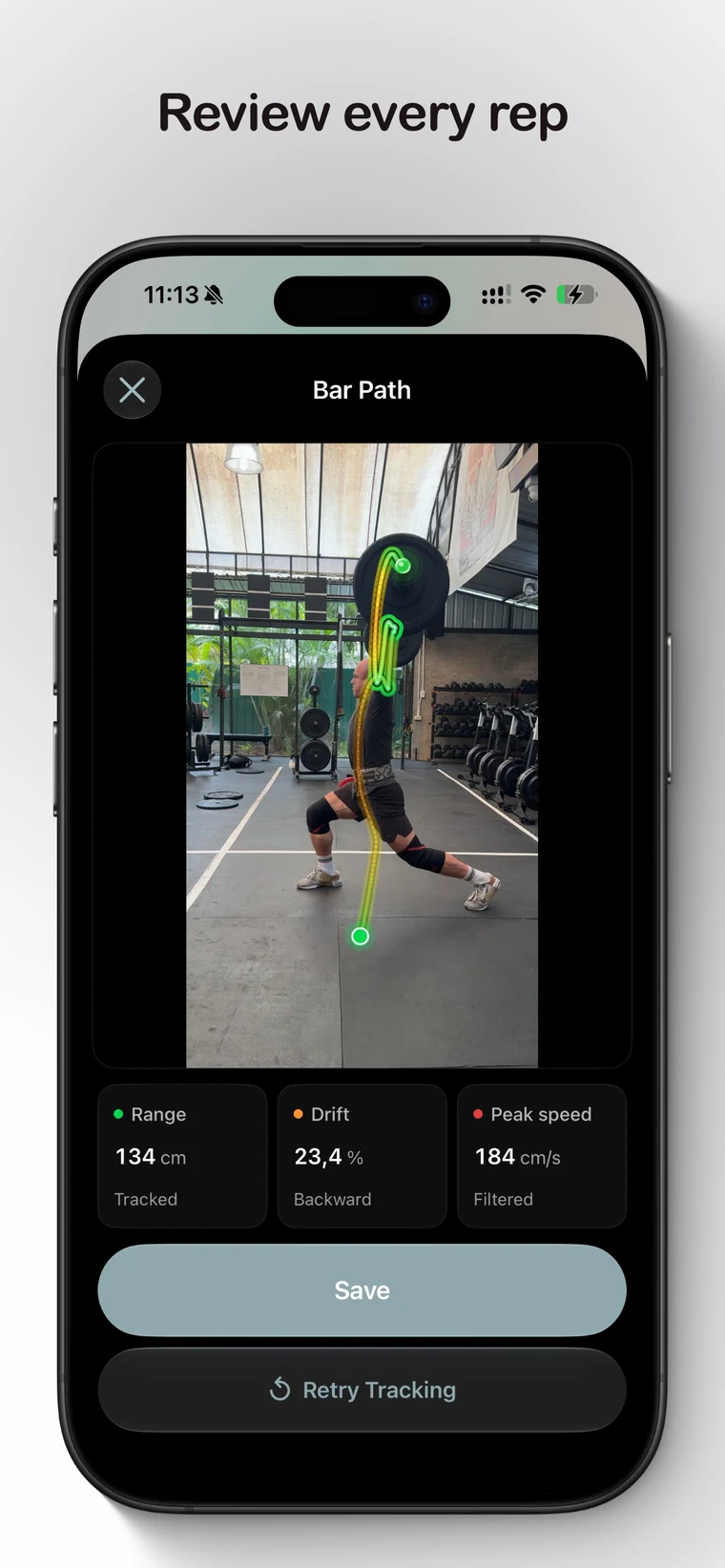
Set’s bundled, custom-trained Core ML detector runs entirely on-device to track the plate or sleeve across supported lifts. Video frames remain on your device during analysis. Review estimated range, drift, peak speed, and tracking quality, then export only if you choose.
03 / Understand
Understand what changed.
Training history becomes useful strength signal—not a social feed.
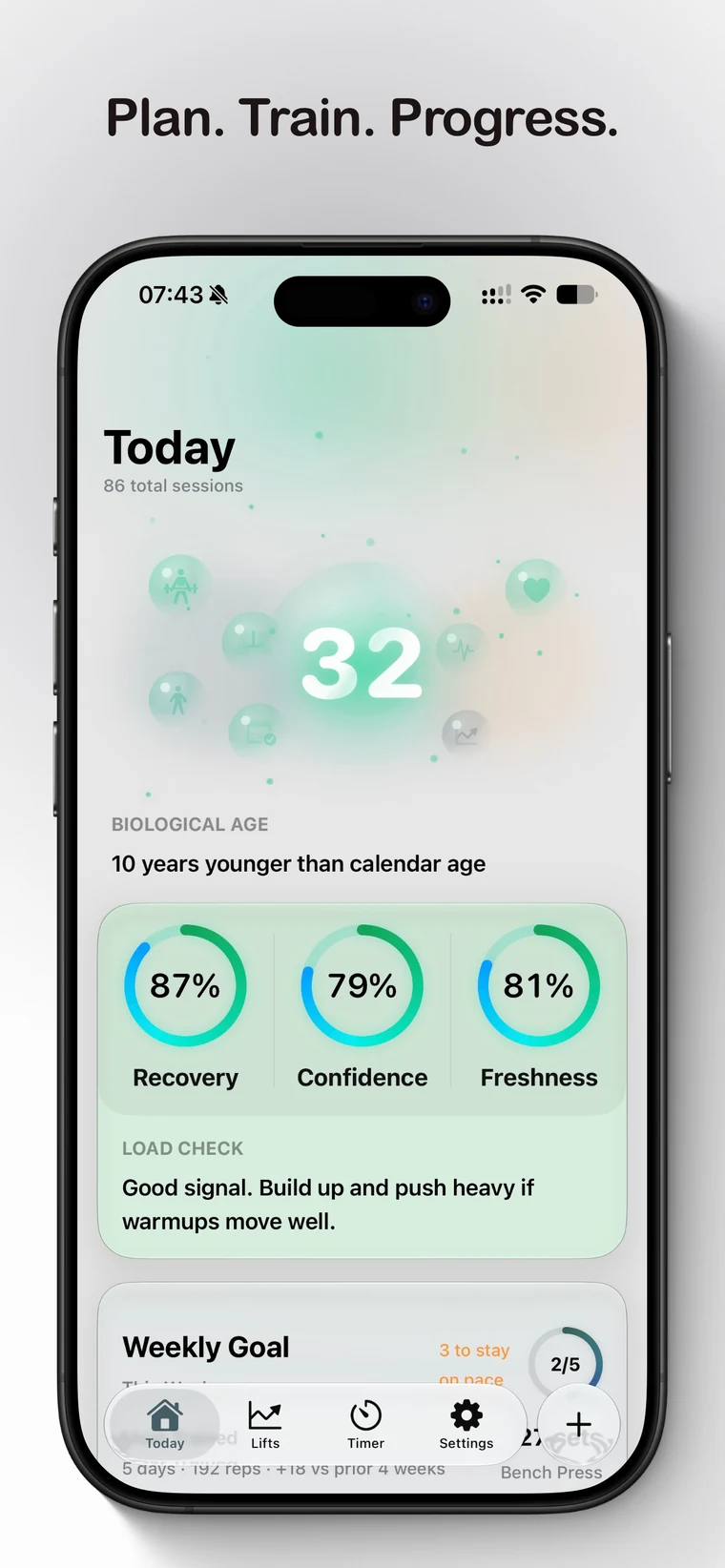
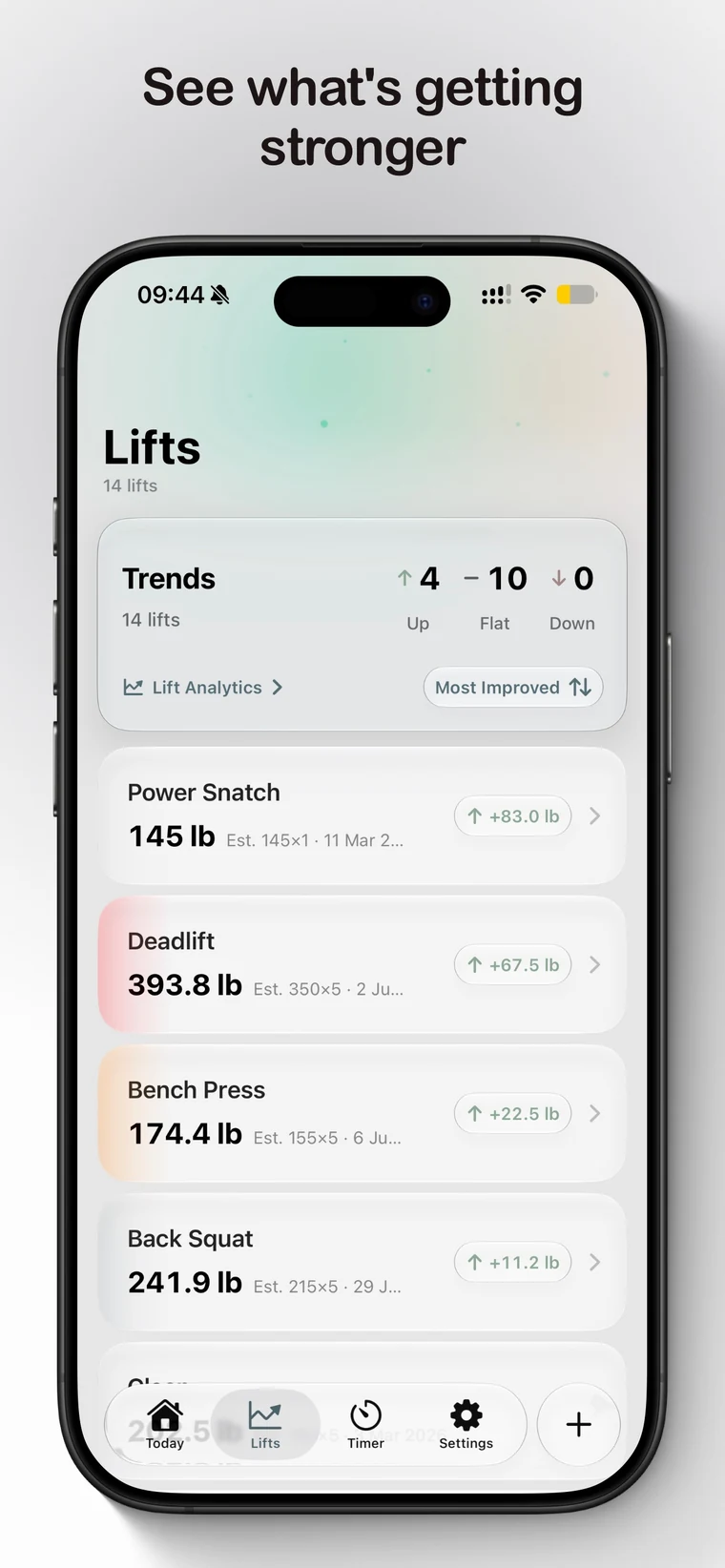
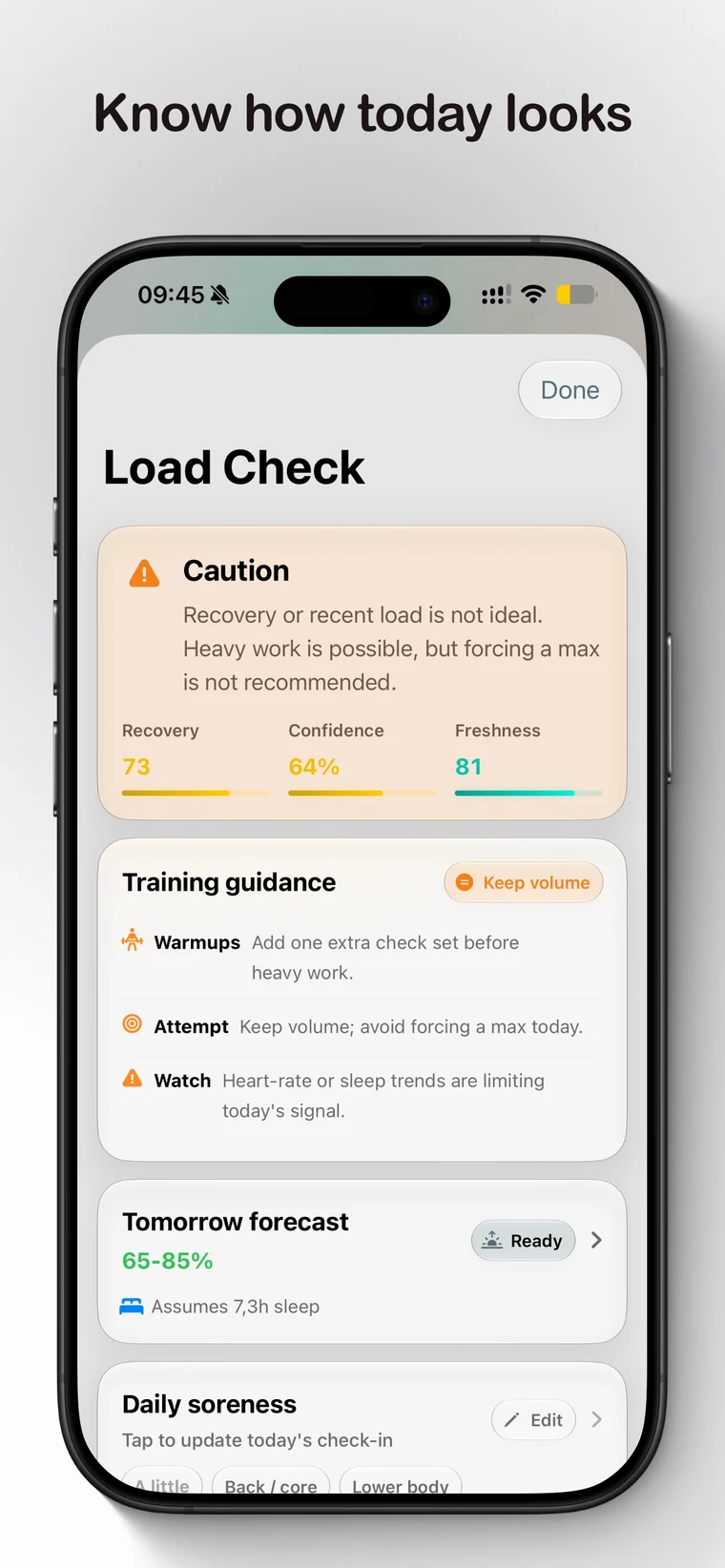
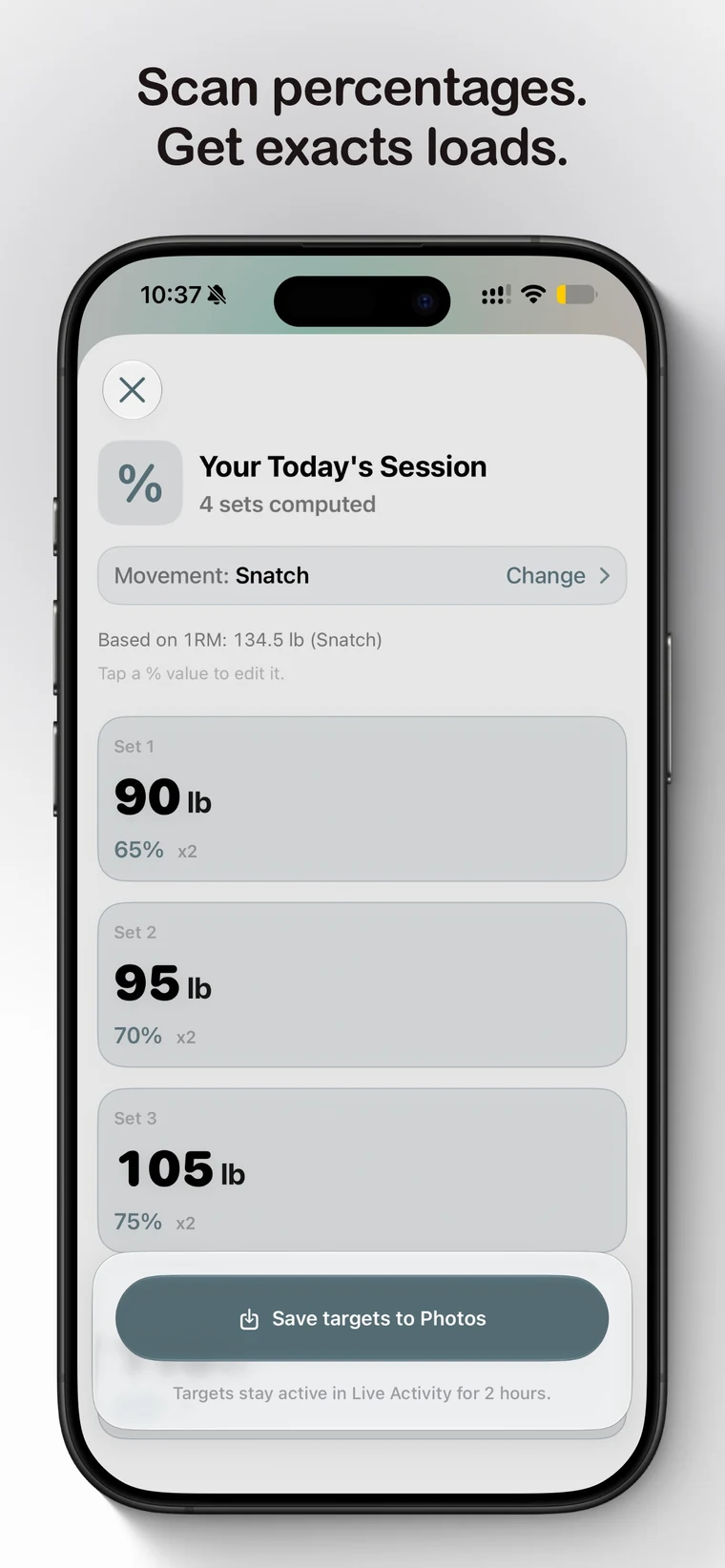
Lift AnalyticsSee momentum, estimated maxes, volume, and what needs attention.Load CheckUse recent training and optional Apple Health context to inform today’s approach—not promise an outcome.Exact targetsTurn percentage and RPE prescriptions into loads from your current maxes.
04 / Everywhere
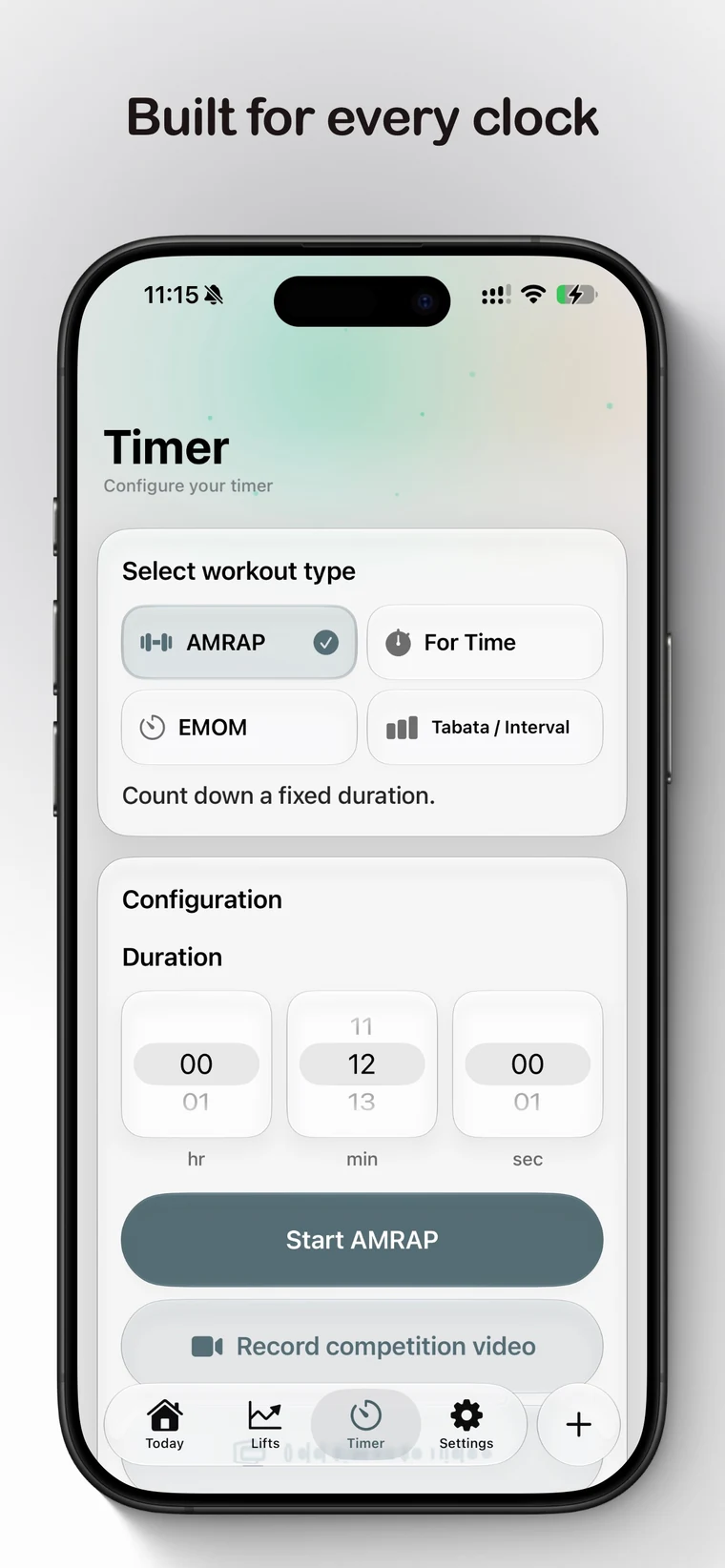
Built for every clock.
Set starts on iPhone and stays close across Apple Watch, Widgets, Live Activities and Dynamic Island, Siri and Shortcuts, Spotlight, Control Center, and Apple Health.
On your wristLaunch and control supported timers with Apple Watch.
At a glanceKeep a planned workout, timer, targets, or Load Check in view.
By voiceLog a set, check a max, calculate plates, or start a timer.
05 / Yours
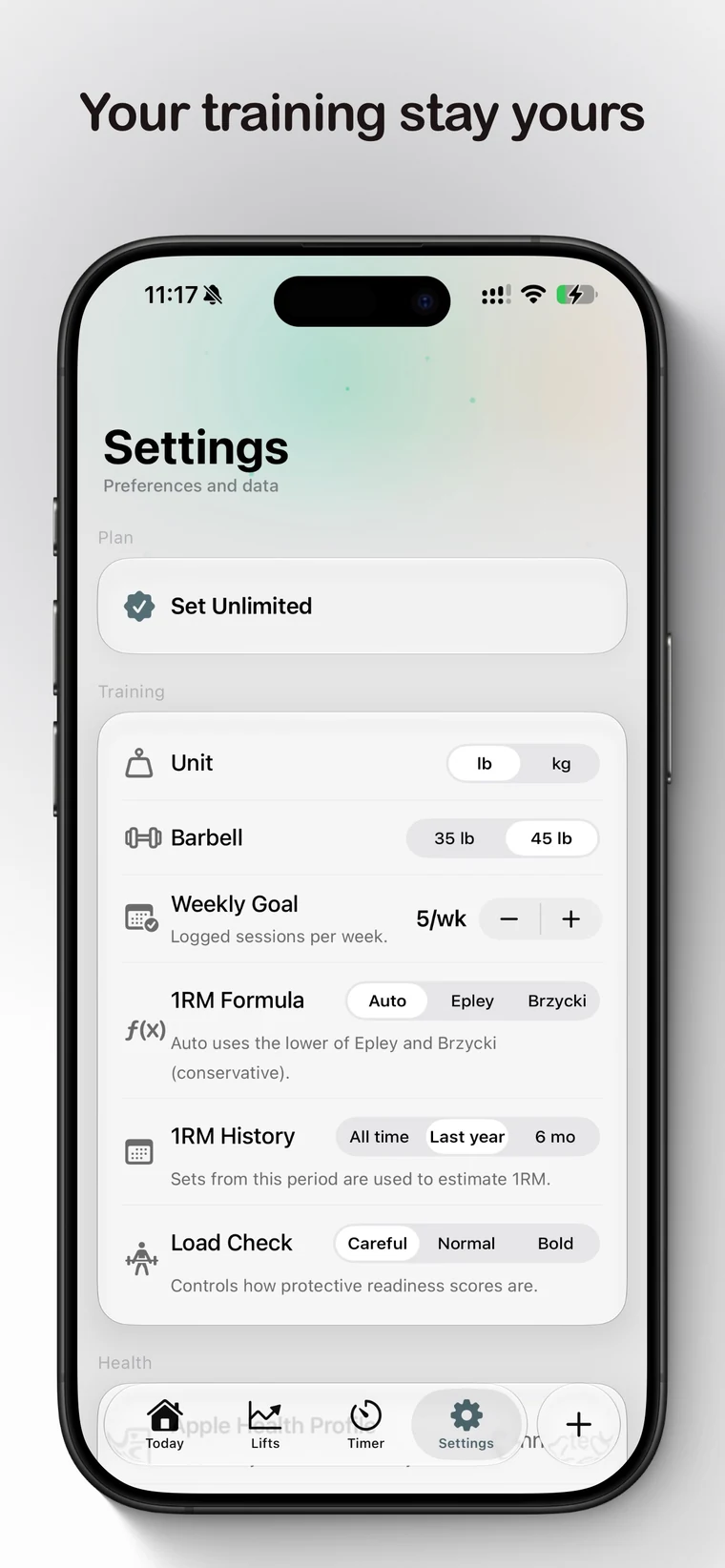
Your training stays yours.
Set is local-first. No account. No analytics. No ads. Optional iCloud sync stays off until you enable it, backup and export remain under your control, and Unlimited is available through one lifetime purchase.
Set StarterFree to begin the complete capture and progression loop.
Set UnlimitedOne lifetime purchase. No recurring subscription.
Set 2.0 for iPhone and Apple Watch
Strength intelligence. Without giving up your data.